

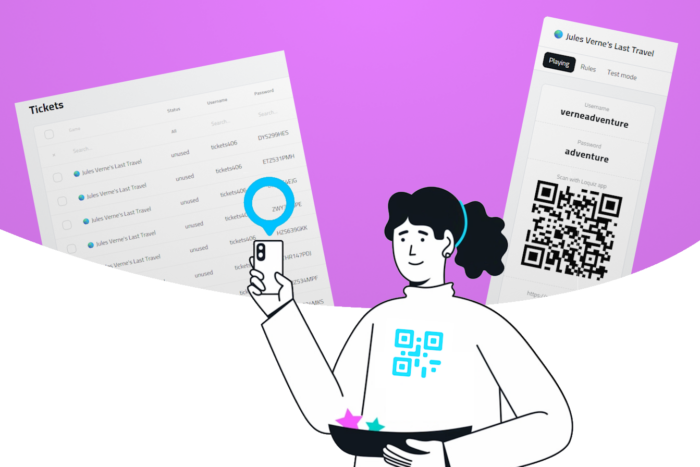
When you offer a Loquiz game, you have two different ways to distribute them: Tickets or username/password/QR. There are fundamental differences between the two; I’ll list them so that you can choose the most suitable way to distribute a Loquiz game.
Differences between the two ways to start a Loquiz game
| Username/password/QR | Ticketing |
| Accessible from the game creation | Accessible from the ticket page or API |
| Automatically generates a QR code | Doesn’t generate a QR code |
| Can start as many games as you want | Each ticket can only start 1 time |
| The username and password can be manually changed | The username has to be initially defined, the password is randomly generated |
| Generate 1 username/password at a time | Generate bulk tickets (from the ticket page or API), possibility to export .CSV |
| A result page is associated with a username/password | A result page is associated with a scope, so that several given tickets can share the same results page |
| Ideal for: Tours, museums, automated sales, large events, school | Ideal for: Tours, museums, automated sales |
I’ve made videos to detail the player flow for each of these two cases. Here they are:
Player flow: The username/password/QR way
Player flow: The ticketing way
Related stories

How to set up an Halloween game now Halloween is in a week! If you need a game that’s easy...

We can sell Loquiz City games through ticketing platforms. The flow is simple: players visit your website, purchase one or...

When we offer a city game, our players expect some interaction with their surroundings. Sometimes, this is essential because the...
Start free trial to bring your ideas to life
Sign up and create games, tours, team events and educational content that captures peoples' attention
Start from the scratch or use templates to kickstart!
