

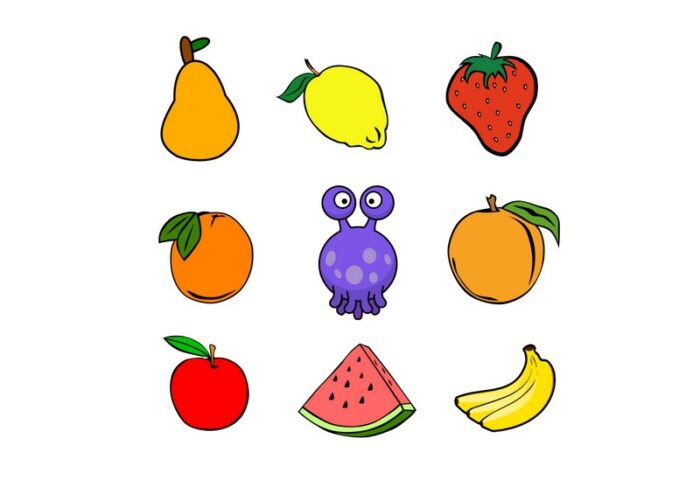
In Loquiz it is possible to upload your own images and use them for location pins in games. In this article we will discuss where and how to get quality icons.
In Loquiz app pins are always displayed with the same size- 200 x 200 pixels. Uploading images smaller than that will result in poor quality. Bigger images are down-scaled. Please note that it might depend on how well your devices will handle the load of custom pins. If you use a lot ( like tens and tens) of different pin images in one game, then on devices with poor performance it might slow them down to freeze. So make sure to test out on devices you use for running the games!
Jpg will be displayed as a square. Unless it is Spongebob Squarepants, that is not going to look pretty! Use png with a transparent background- it works the best!
Example of square jpg on the left, transparent background png on the right.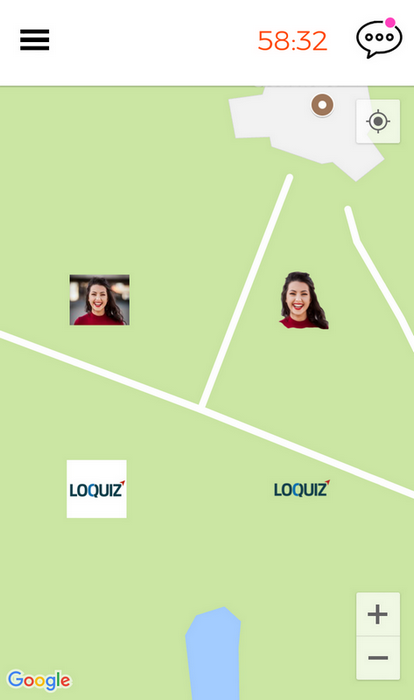
Main sources for icon pins are
1) Icon banks. The quickest way to get icons is from icon banks. Always keep in mind how the copyright of images applies if you happen to use someone’s artwork or photos.
The safest bet is a public domain licence. Open Clip Art( site is temorarily down) has plenty of such icons for starters.
The noun project includes huge amount of quality artwork for a budget friendly price.
Open game art has gamification specific images with different copyright levels.
Design wall has listed some icon sets for commercial use
2) Real photos. Whether it is a participating company’s CEO face or cat- you can use Photoshop, GIMP or any freeware to edit it and make the background transparent.
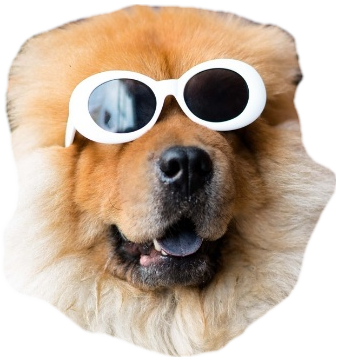
For example, I tried an online tool called Autoclipping and Remove that worked well for creating png with a transparent background. It transformed this pooch into a cool dog icon.
3) Custom artwork. If you have in mind a really unique game concept, then you probably can consider ordering custom artwork from a designer or illustrator.

Related stories
In this video tutorial, I show you how to create an Outdoor Scavenger Hunt in your own location. It just...
Sometimes clients request games from us that are competitive. There needs to be a score, a ranking, and a clear...
When you create a Loquiz game, you can make it more visually appealing with custom pins. Add pins related to...
Start free trial to bring your ideas to life
Sign up and create games, tours, team events and educational content that captures peoples' attention
Start from the scratch or use templates to kickstart!