

You have one Loquiz game, and you’d like to include quiz questions specific to your client’s company/industry (if they’re a business) or a few facts about them personally (if they’re individuals).
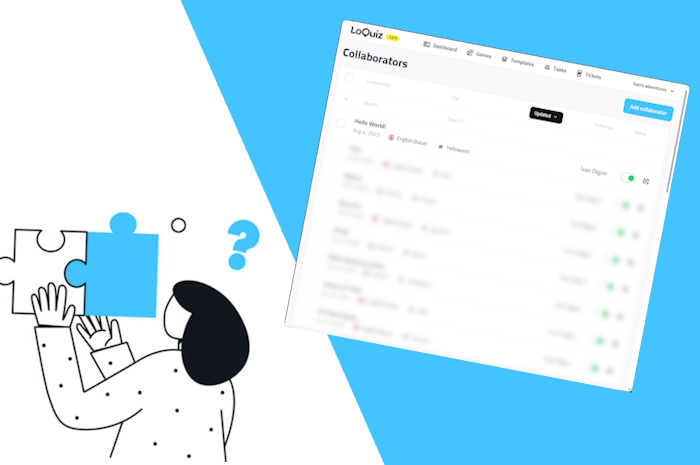
It’s possible without having them access your account; we have an interface for this! That’s the “Collaborator Space“.

What does the Collaborator space look like?
Here’s a public link. From there, you can try it and add your own quiz task.
You’ll see an interface like this:
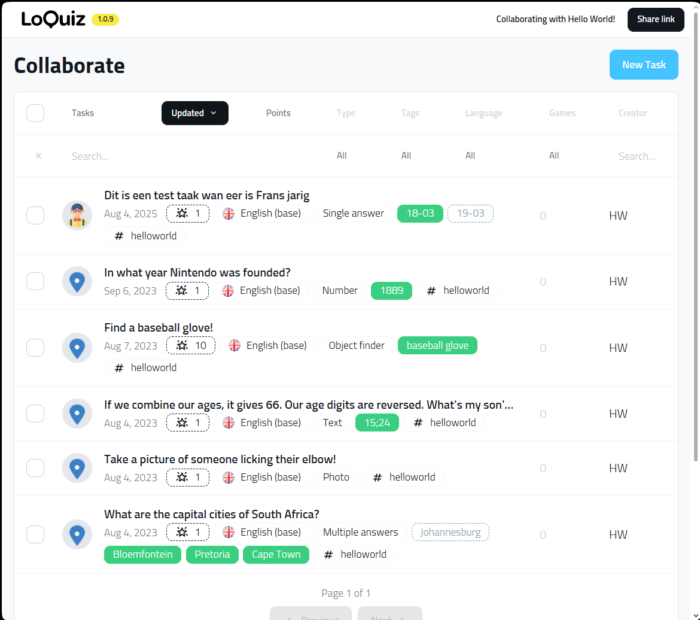
Anyone can create any funny task, and yet, they don’t need to access your account in any way. Convenient, isn’t it?
Afterwards, you can easily add these tasks to your game.
How do I set up the Collaborator Link?
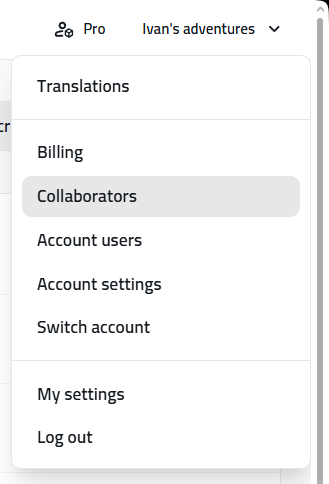
Go to the top-right menu. Then choose “Manage collaborators”.
Then you’ll have a list like this:
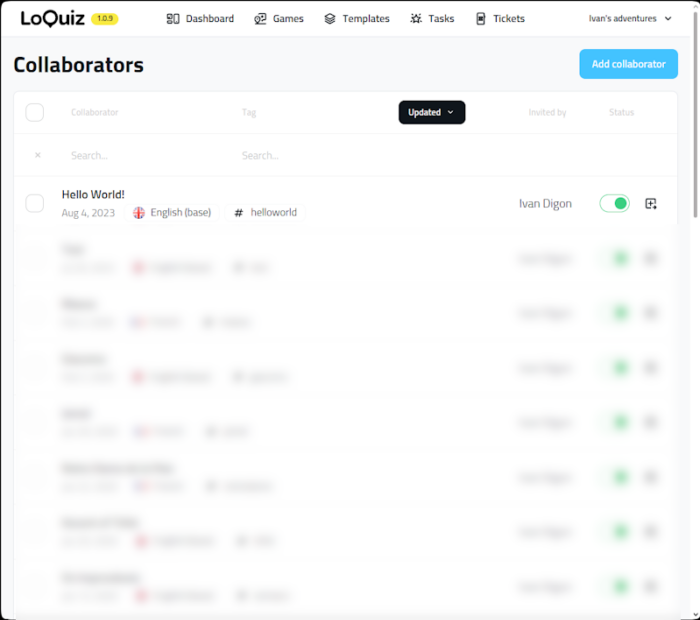
In your case, your page will likely be empty. No worries, you just need to create one.
Click on “Add Collaborator”, then you’ll have a pop-up message like this:
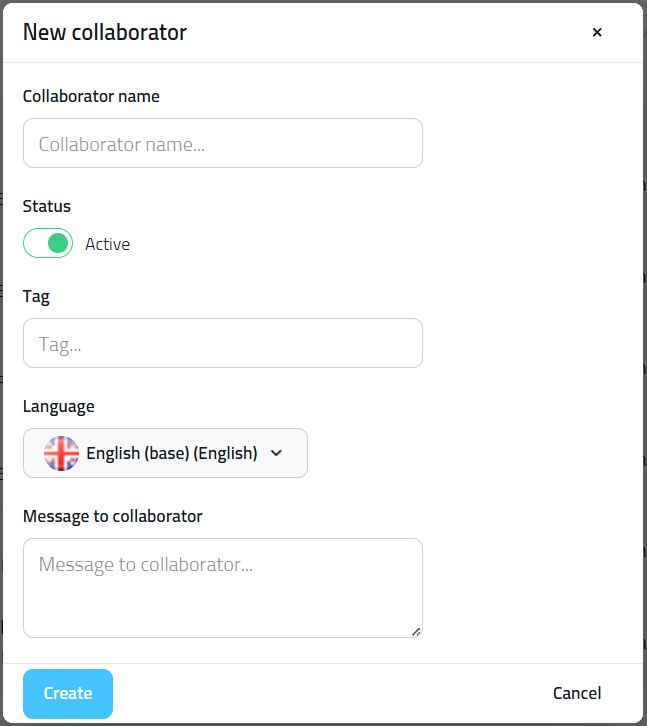
- Collaborator name: Add the person’s name (or their company).
- Tag: A simple word related to your client. The tag won’t be visible to them.
- Message to collaborator: Add a message to your collaborators if needed!
It’s accessible by clicking on the icon “Open link“:
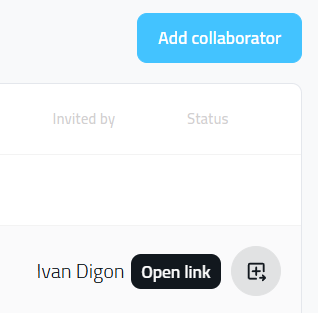
You can share the same link with your client.
If you have any questions regarding this feature, feel free to send me a message!
Related stories

How to set up an Halloween game now Halloween is in a week! If you need a game that’s easy...

We can sell Loquiz City games through ticketing platforms. The flow is simple: players visit your website, purchase one or...

When we offer a city game, our players expect some interaction with their surroundings. Sometimes, this is essential because the...
Start free trial to bring your ideas to life
Sign up and create games, tours, team events and educational content that captures peoples' attention
Start from the scratch or use templates to kickstart!