

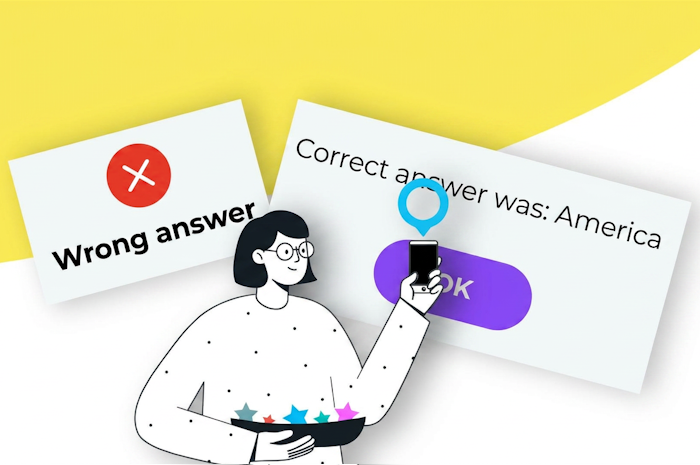
When a player opens a Loquiz task, they get a riddle. Loquiz can give them feedback on whether the answer was correct or incorrect. The system may also tell the players which answer was correct.
Let’s take this riddle, for example:
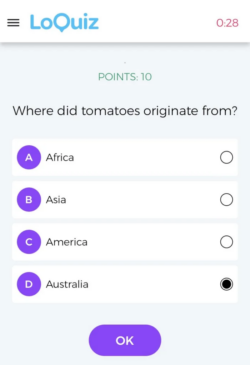
Is Australia the correct answer?…
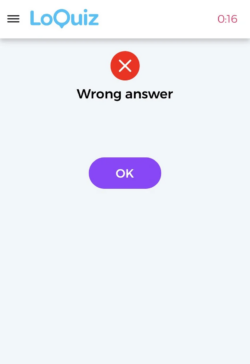
Wrong! And the correct answer was…
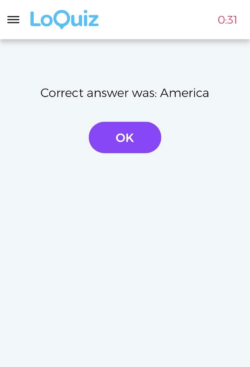
Yes, it was America. The Pre-Columbian civilizations from Central America also provided us with corn, chocolate, avocados, etc.
Set it up in your Loquiz game
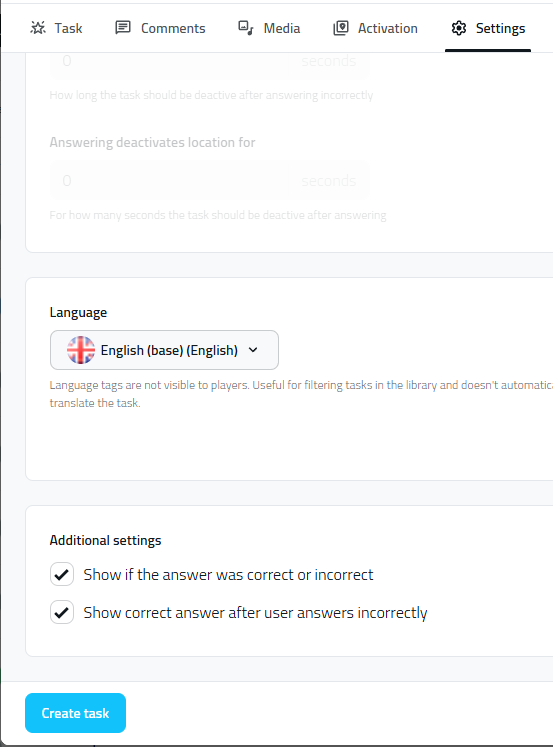
So, how do you set up the “correct/incorrect answer” and the “show correct answer”? You’ll just need to go into the task settings, Settings tab, then scroll down:
Otherwise, you can also change the settings for the whole game. Go to the game Config page, Tasks page:
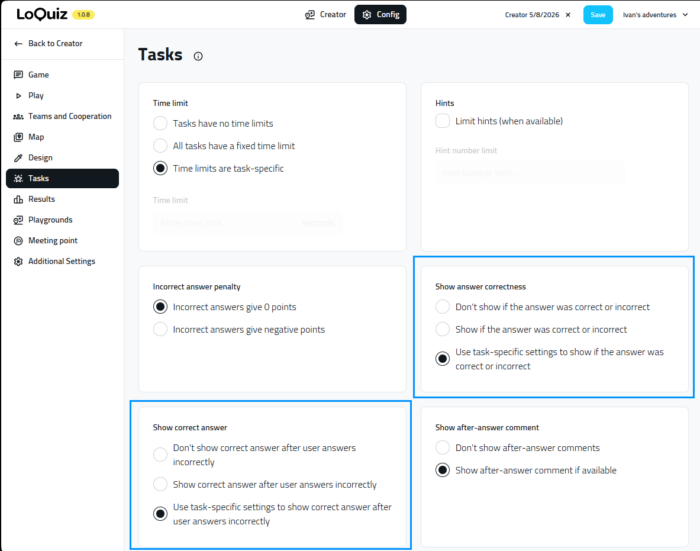
By default, your Loquiz game will check task-specific settings. However, you can show correct/incorrect and correct answer for all the tasks of your game. It’s useful in the case of a Rogain game where you just show all the tasks on the map.
If you have any questions on how to set this up for your game, feel free to contact me!
Related stories

I bet your birthday is less than a year away. If it is not, then happy birthday! Unless, of course,...

You’re from a beautiful city, and you dream of building and selling a fully automated walking tour? This article is...
When we create a game and we’re confident with the Creator tool, we have a lot of game ideas. Some...
Start free trial to bring your ideas to life
Sign up and create games, tours, team events and educational content that captures peoples' attention
Start from the scratch or use templates to kickstart!
