

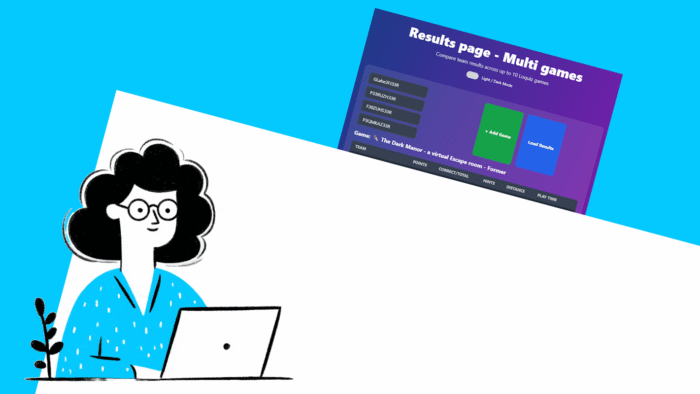
Imagine that for a specific reason, you made several games for one. For instance, each game is in a different language. Or the number of players was high, so you needed to divide them into different games. Having several games can sometimes become easier to manage.
So, how do we compile all the results into one leaderboard? By vibe-coding a specific leaderboard made for this! You can try it now. Or you can also make it yourself.
Multi-game results page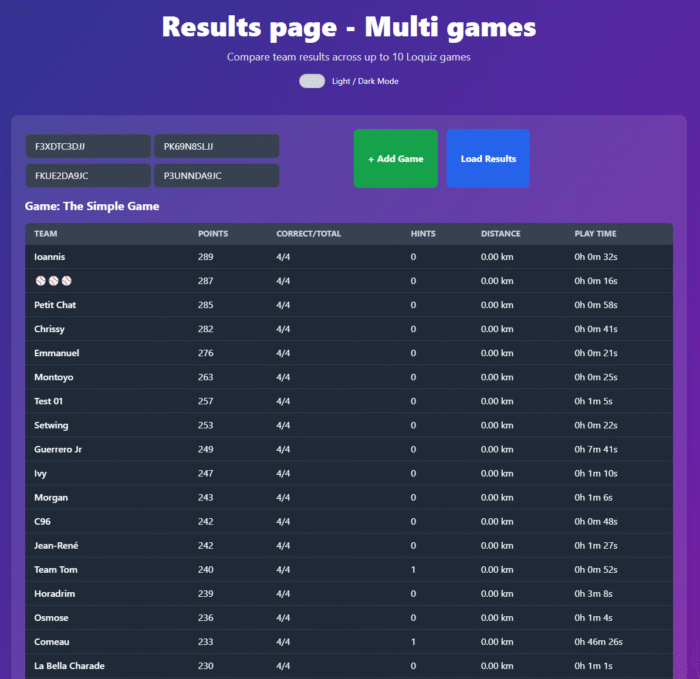
In our example, I’ve added 4 Game IDs from duplicates of the same game. Here are the IDs if you want to try: F3XDTC3DJJ, PK69N8SLJJ, FKUE2DA9JC, and P3UNNDA9JC. You can also try it with your own Games ID if you have already hosted multi-game events.
When you try it out, ensure that each game has the same point system, so that every player’s score is comparable.
How to make it yourself?
In fact, it’s easy to recreate such a result page using Vibe-Coding. Just go to your favorite LLM (e.g. ChatGPT, Copilot, or Gemini), then copy and paste the following prompt and attach this .txt file:
Use the attached api-for-llms.txt file to get instruction on how to fetch Loquiz results data and
build me a HTML result page that shows up to 10 Game ID fields to add. A confirm button on the bottom.
Once confirmed, we see :
One simple leaderboard that shows all team name, points
They are ranked from the highest score to the lowest
Disregarding from what game they come from
No need of API key to fetch data
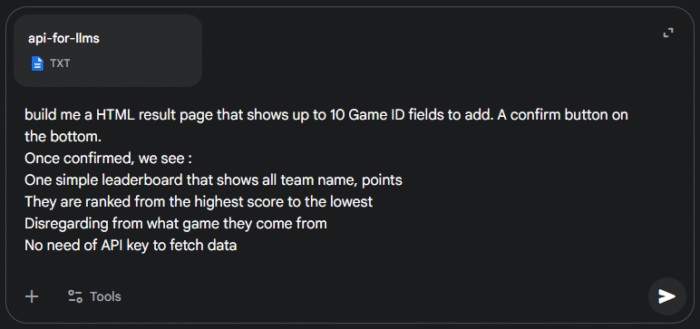
If you want something a bit more specific, you can add instructions at the end of the prompt. For instance: “Include a dark/light mode” or “Show the playtime for each team”. Be as specific as possible. You can also ask to edit different elements after the AI has generated the code.
Let me know what you think of it! If you have any idea of a custom results page, feel free to send me an email.
Related stories

You’re building a self-guided tour, and you’d like to increase the immersion? The music is one of the important aspects...

With your Loquiz game, you can add a list to simply display your tasks. It’s recommended for indoor games or...
The Loquiz creator allows you to have a map… But also a custom visual interface called “Playground“. This feature allows...
Start free trial to bring your ideas to life
Sign up and create games, tours, team events and educational content that captures peoples' attention
Start from the scratch or use templates to kickstart!
