

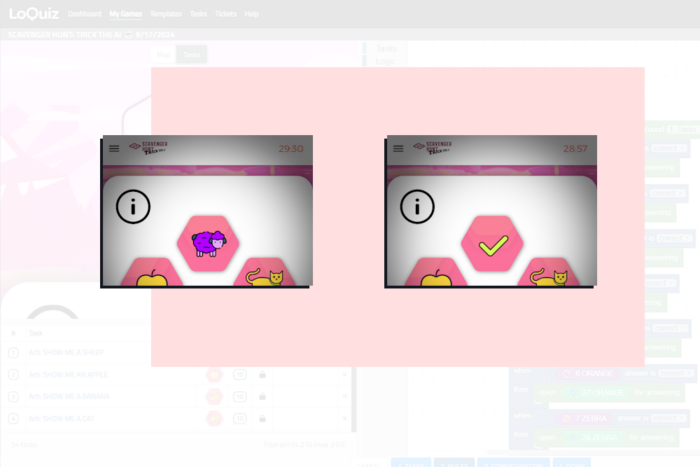
Let’s say, you’ve got a list of icons on your Loquiz playground. Each of them leads to a task with a riddle. When the player solves one, you want to show them they succeeded. And there’s a simple trick to optimize your playground…
This game mechanism exists in several of our Loquiz game templates:
- Scavenger Hunt: Trick the AI
- QR Hunt
- The Demo Adventure
- Many others…
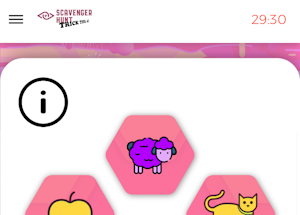
Let’s take the “Trick the AI” example. Using the Object Finder, you need to find items. In the following cropped screenshot, the player taps on the sheep and has to find a sheep (they can draw one) with the Object Finder’s camera.
If the player succeeds in finding a sheep… Congratulations! So we let the player know, as you can see in the following picture, with a green tick icon:
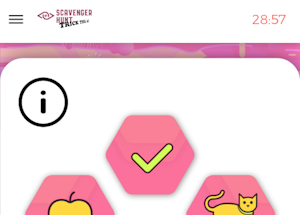
However, here’s the question: Do we need another task for the “tick” symbol? The answer is no. And that’s where we optimize our playground: the tick symbol is already on the base picture for the Playground. You can indeed see it here:
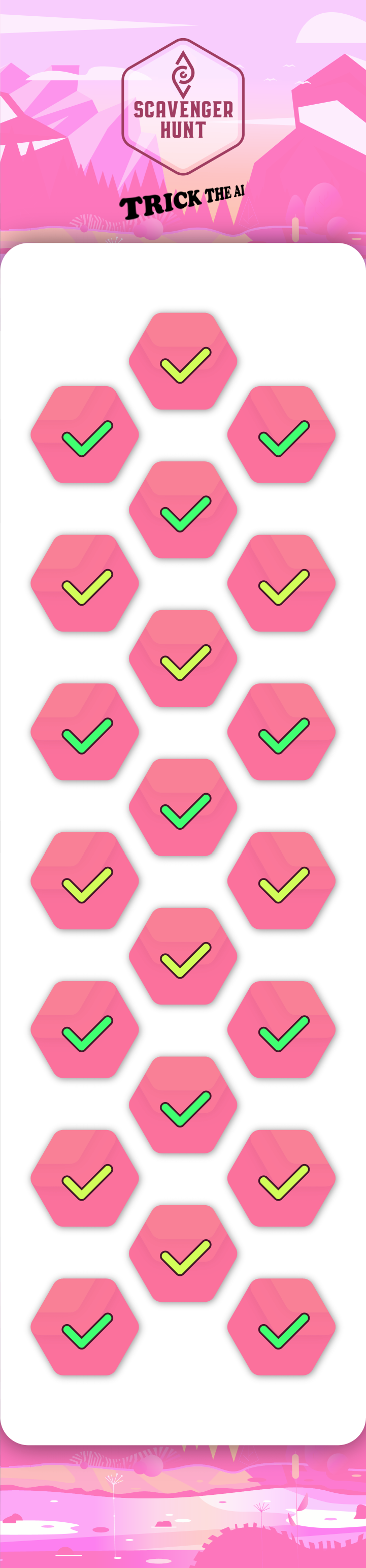
When the task related to the riddle is finished, then it disappears, showing the base picture, the green tick of success. The next picture is a screenshot from the Creator, in the rules part:
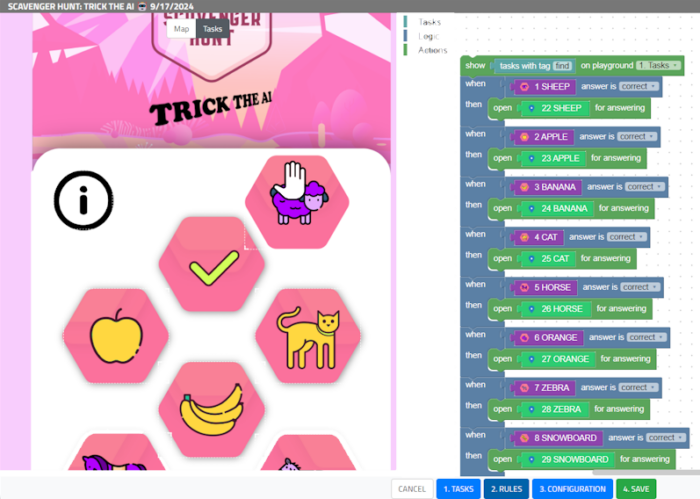
As you can see, if I move away the sheep icon, we see the tick under it. The sheep icon is related to a task (#22), but the tick symbol isn’t linked with any task. From there, if you create a task to show the tick symbol, it will potentially double the number of tasks in your game. So with this trick, you make your Loquiz game lighter.
If you need more advice…
If this article doesn’t seem clear to you, or if you want other advice on the Loquiz Playground (or Loquiz in general), feel free to send me a message or book a 30-minute demo with me 😊
Related stories
Using the Creator, we can build outdoor scavenger hunt games or tours. In these cases, we usually add a map...

How to sell Loquiz tickets to one group, instead of one person? Use the ticketing scope. It will let you...
Warmer seasons are coming, and there will be more and more outdoor events: More team building or family games. What...
Start free trial to bring your ideas to life
Sign up and create games, tours, team events and educational content that captures peoples' attention
Start from the scratch or use templates to kickstart!
