


You run an event, and then you want to quickly make a slideshow at the end of it. But you would like to add additional slides between the different photos? This page is made for you. Using my favorite LLM, I built a Custom Slideshow.
You can try it out now, or you can build the same page yourself.
Custom Slideshow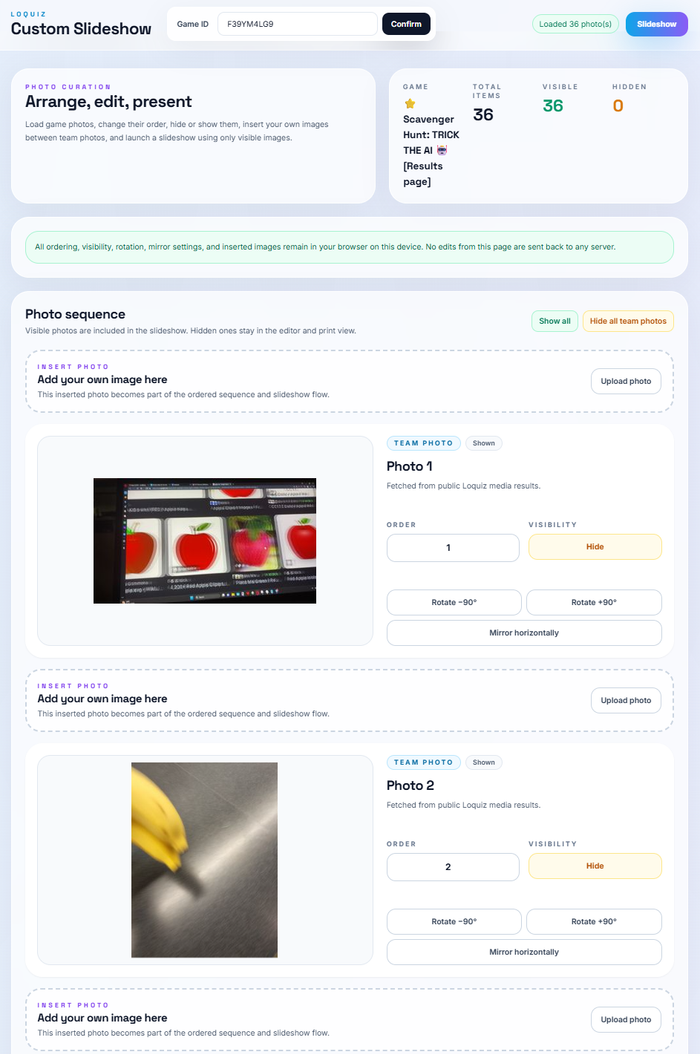
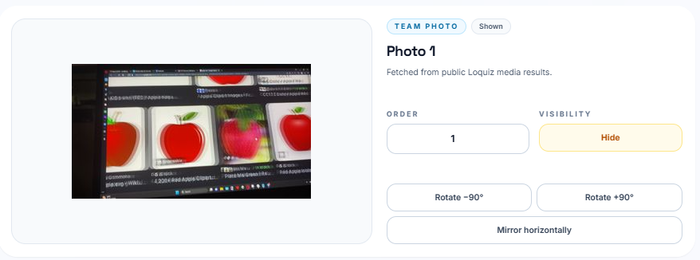


How to make it yourself?
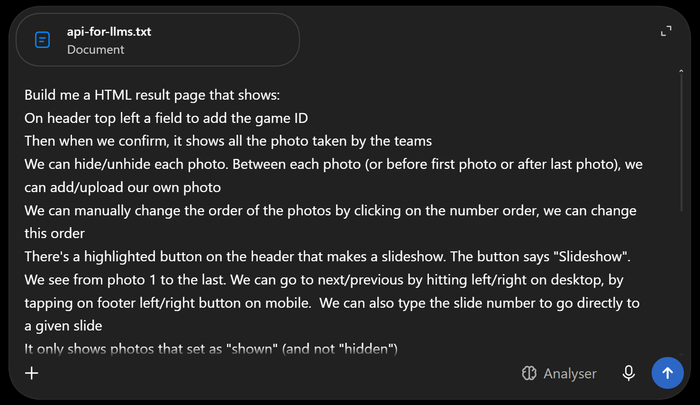
In fact, you can recreate such a result page using Vibe-Coding. Just go to your favorite LLM (e.g. ChatGPT, Claude, or Gemini), then copy and paste the following prompt and attach this .txt file. Once you have the page, feel free to ask the AI to modify a few small details.
Build me a HTML result page that shows:

On header top left a field to add the game ID

Then when we confirm, it shows all the photo taken by the teams

We can hide/unhide each photo. Between each photo (or before first photo or after last photo), we can add/upload our own photo

We can manually change the order of the photos by clicking on the number order, we can change this order

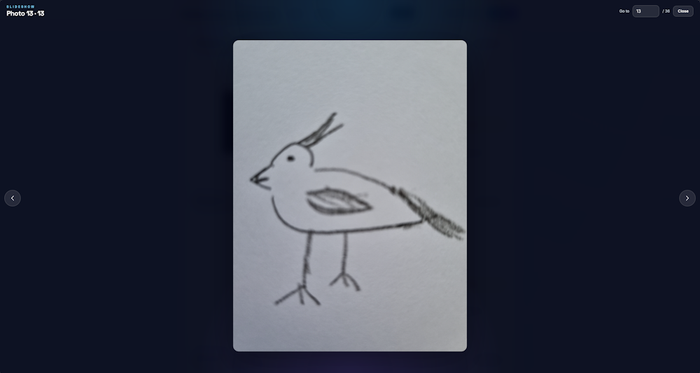
There's a highlighted button on the header that makes a slideshow. The button says "Slideshow". We see from photo 1 to the last. We can go to next/previous by hitting left/right on desktop, by tapping on footer left/right button on mobile.  We can also type the slide number to go directly to a given slide
It only shows photos that set as "shown" (and not "hidden")
We can leave the slideshow anytime by pressing escape (desktop) or by tapping a "x" button on the footer (mobile)

Use tailwind for a nice design,
Use the attached api-for-llms.txt file to get instruction on how to fetch Loquiz results data
It does not need the API key as the game from game ID have public results

Fetch public Loquiz media directly from https://api.loquiz.com/v3/results/${encodeURIComponent(gameId)}/media?skip=${skip}&limit=100, starting with skip=0 and continuing while data.items.length === 100; render each item with item.thumbnail || item.optimized || item.original (and use item.original || item.optimized || item.thumbnail for fullscreen). Do not use API keys, guessed endpoints, proxy routes, fallback/demo images, or alternative result APIs; optionally load the title from https://api.loquiz.com/v3/games/${encodeURIComponent(gameId)}.
If you have any ideas for a custom results page that you’d like me to create, feel free to contact me!
Related stories

When we offer a city game, our players expect some interaction with their surroundings. Sometimes, this is essential because the...

When we build an outdoor Loquiz game, we often set a series of tasks on the map. Players activate the...

Since 2020, companies have increasingly requested remote events. However, we still want a bit of human presence. Perhaps we can’t...
Start free trial to bring your ideas to life
Sign up and create games, tours, team events and educational content that captures peoples' attention
Start from the scratch or use templates to kickstart!