

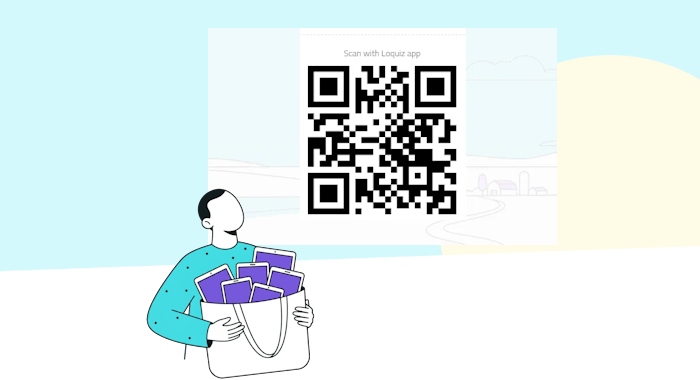
When you host a team-building event with a lot of players, it can be challenging. With the QR code, you can start your Loquiz team-building game with a QR code: It’s easier this way.
If you allow players to use their own devices, you can display the QR code on a wall. With tablets, you can quickly log in on each tablet using the same QR code.
In case of games with hundreds of players, it becomes much more convenient to use the QR code!
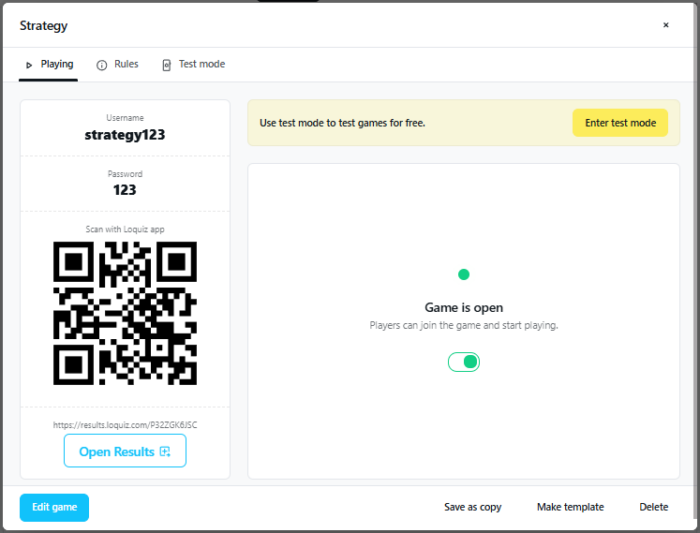
How to create a QR code for your Loquiz game
- Create a Loquiz game (from scratch or from a free template)
- Save your new game
- And your QR code is automatically generated!
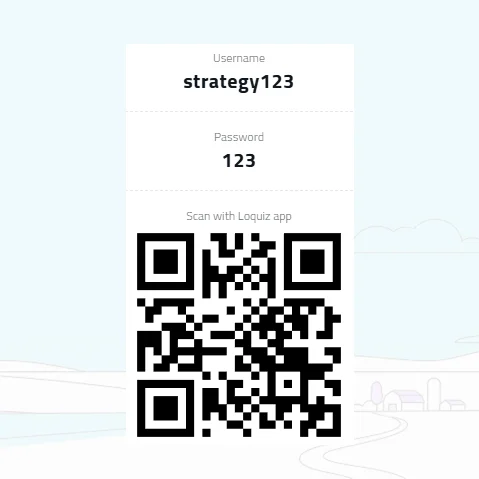
Here’s one example of a QR code. Download the Loquiz app (Android or iOS) and try it for fun!
Related stories

How to set up a Halloween game now Halloween is soon! If you need a game that’s easy to set...

We can sell Loquiz City games through ticketing platforms. The flow is simple: players visit your website, purchase one or...

When we offer a city game, our players expect some interaction with their surroundings. Sometimes, this is essential because the...
Start free trial to bring your ideas to life
Sign up and create games, tours, team events and educational content that captures peoples' attention
Start from the scratch or use templates to kickstart!
