

When the player starts a Loquiz game, the default text is the following:
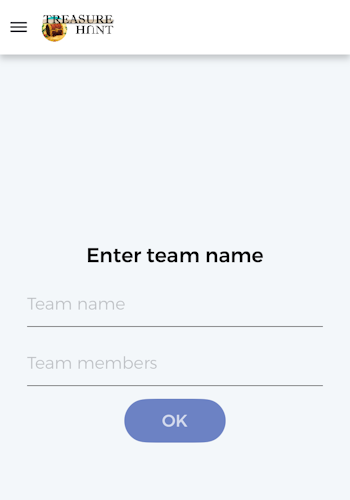
The team name is mandatory and the team members are optional.
This text matches well with cases where you provide the game for events: Players are divided into different teams. Each team has 5 players and one device. So they choose a team name and they optionally write down their individual names.
However, there are many other cases where this doesn’t fit. Here are three examples:
- Individual games
- Automated tours
- Games with predefined team names
It’s possible to adapt the text, so that it fits with each of these use cases, here’s how: From the Loquiz platform, go to the translations page, and create a new translation. You’ll have access to the following page:
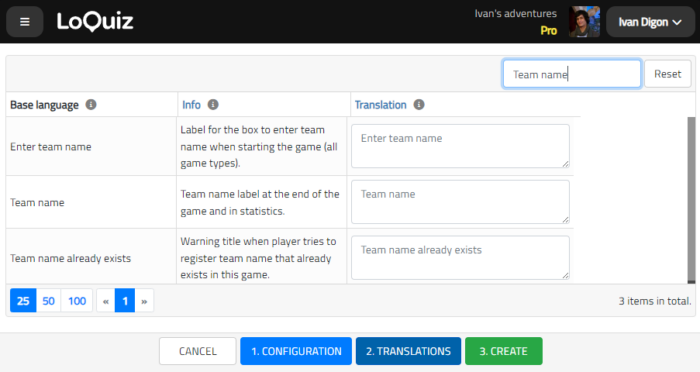
Once you’re there, you need to edit these 3 strings:
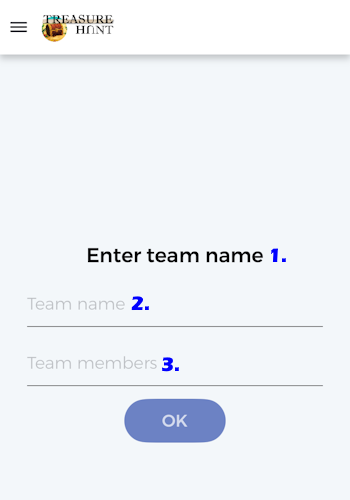
- Enter team name
- Team name
- Team members
- Team name already exists
Whatever you write here will adapt on the app screen. Don’t forget to change the game language. They match with the following text on the app:
Here are some examples of different pages you can have:
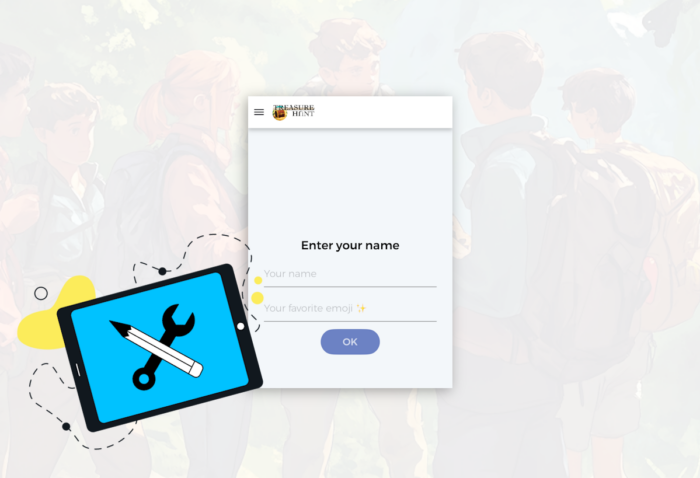
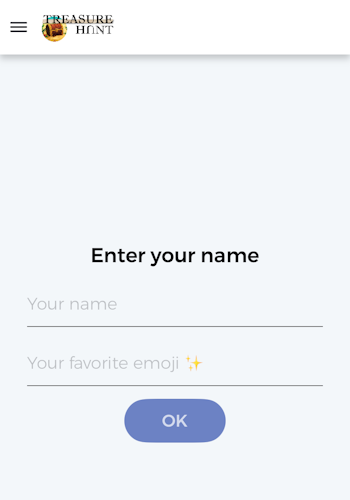
Team name page for individual games
- Enter your name
- Your name (mandatory text)
- Your favorite emoji ✨ (optional text)
- Name already exists
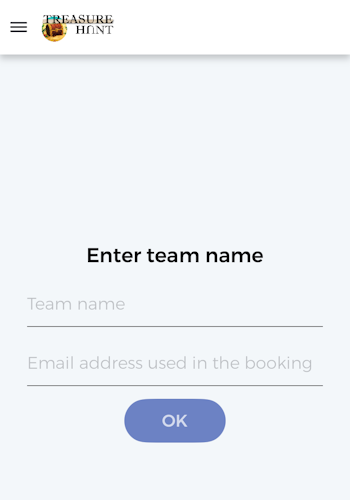
Team name page for Automated tours
- Enter your team name
- Team name (mandatory text)
- Email address used in the booking (optional text)
- Team name already exists
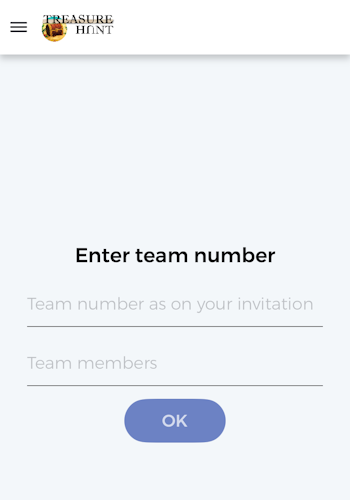
Games with predefined team names
- Enter team number
- Team number as on your invitation (mandatory text)
- Team members (optional text)
- Team number already exists
Related stories
Using the Creator, we can build outdoor scavenger hunt games or tours. In these cases, we usually add a map...

How to sell Loquiz tickets to one group, instead of one person? Use the ticketing scope. It will let you...
Warmer seasons are coming, and there will be more and more outdoor events: More team building or family games. What...
Start free trial to bring your ideas to life
Sign up and create games, tours, team events and educational content that captures peoples' attention
Start from the scratch or use templates to kickstart!