

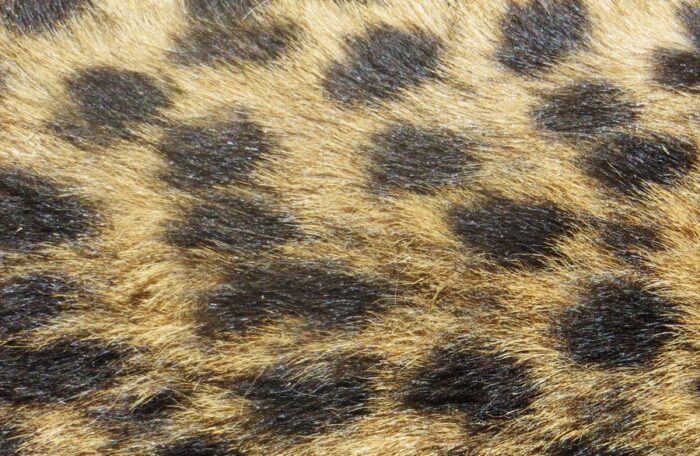
This is a short idea how to create photo puzzle questions by using your own images to create custom pins. It works also as a memory game.
Firstly, choose a picture you want to use. Then use a photo editing software of your choice and cut out a circle or any other desired shape to use it as a pin image. Save as a separate image. The png with a transparent background will look the best.
Now create a question and add the whole picture as media. The text of the question could be “Whose fur was on the pin?”
or ” Whose blouse was on the pin” and list people`s names (good for networking games to help to remember the names of new people by uploading a photo of the group and adding a fragment of someone on the pin)
In the question’s additional settings create a new pin and upload the png you created for the pin image.
Create a game and add the question into the game.
Test how it looks in a smart device


Related stories

When we offer a city game, our players expect some interaction with their surroundings. Sometimes, this is essential because the...

Since 2020, companies have increasingly requested remote events. However, we still want a bit of human presence. Perhaps we can’t...

In a party or team-building event, quizzes are part of the fun. From my experience, I’ve noticed that players particularly...
Start free trial to bring your ideas to life
Sign up and create games, tours, team events and educational content that captures peoples' attention
Start from the scratch or use templates to kickstart!
