


Besides composing client or event specific questions, you can add your personal touch with one simple thing; your own company logo or the current client’s logo to the team building games you create.
You can do this when the game is ready and you create an Event and event code for it .
Go from the dashboard to Events and click the blue “New” button. You can set the Event’s name, choose a game for it and add a logo.
To add a logo, you need to host the image file a) in your website FTP b) dropbox c)some image hosting site like http://postimg.org/
The URL must direct you to an actual image file (png, jpg). It is wise to keep image size small enough for web use- up to 200 KB.
Copy paste the image link to the field “Logo URL”, save and you are done!
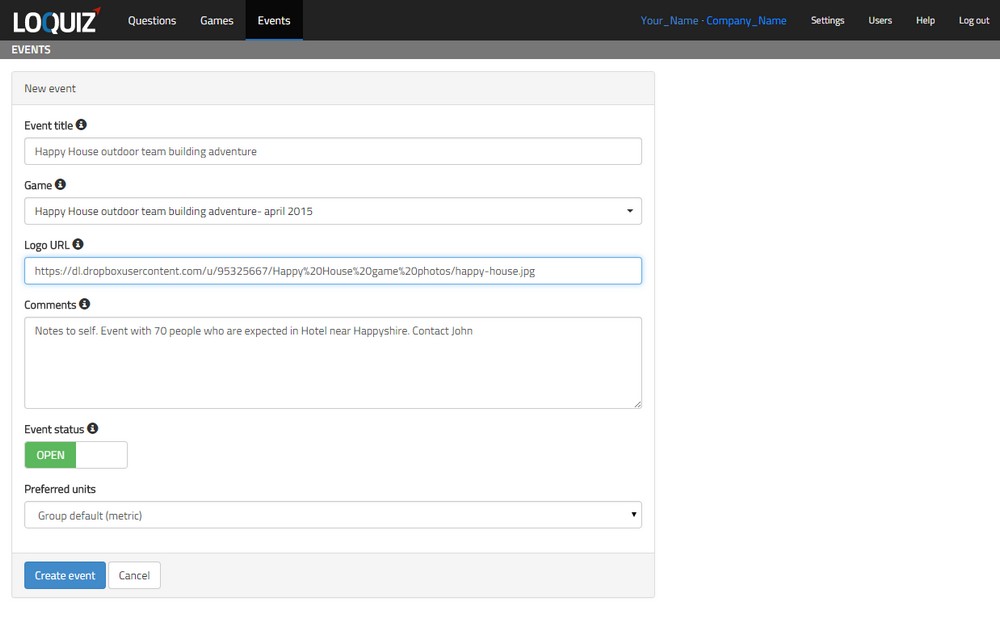
Click to enlarge screenshot
When using DropBox, it is important to know that DropBox only allows direct links to images from it’s Public folder. Place your images in a DropBox public folder (you can user subfolders), in the list/thumbnail view on the right, click on image and choose “Get Public Link”. Paste this link into the question.
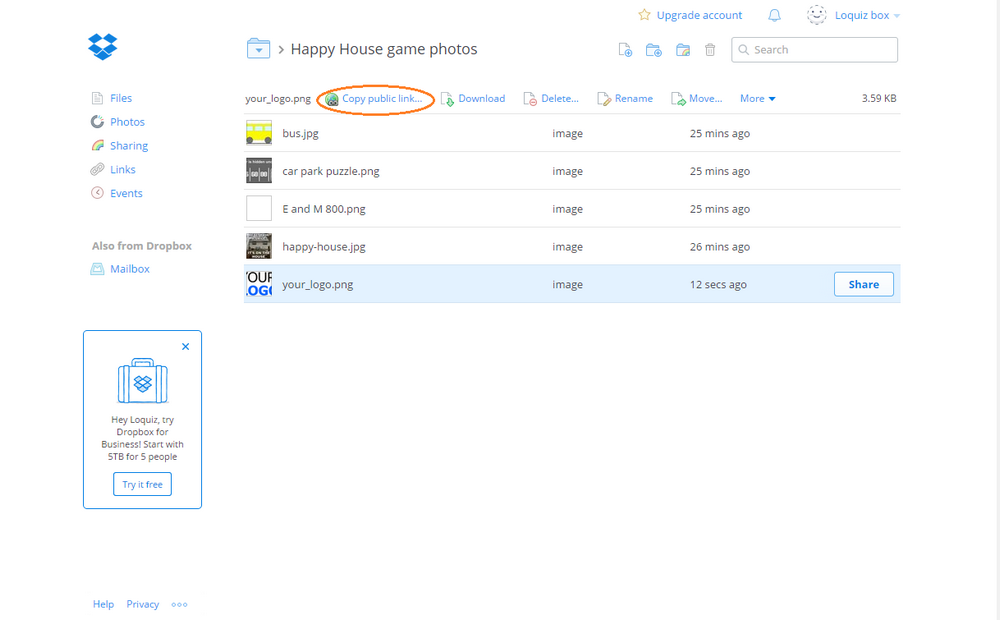
Note that Public folder is only available when you have an older version of Dropbox. Read more about this. In this case we advise you to use an image hosting site or your own FTP.
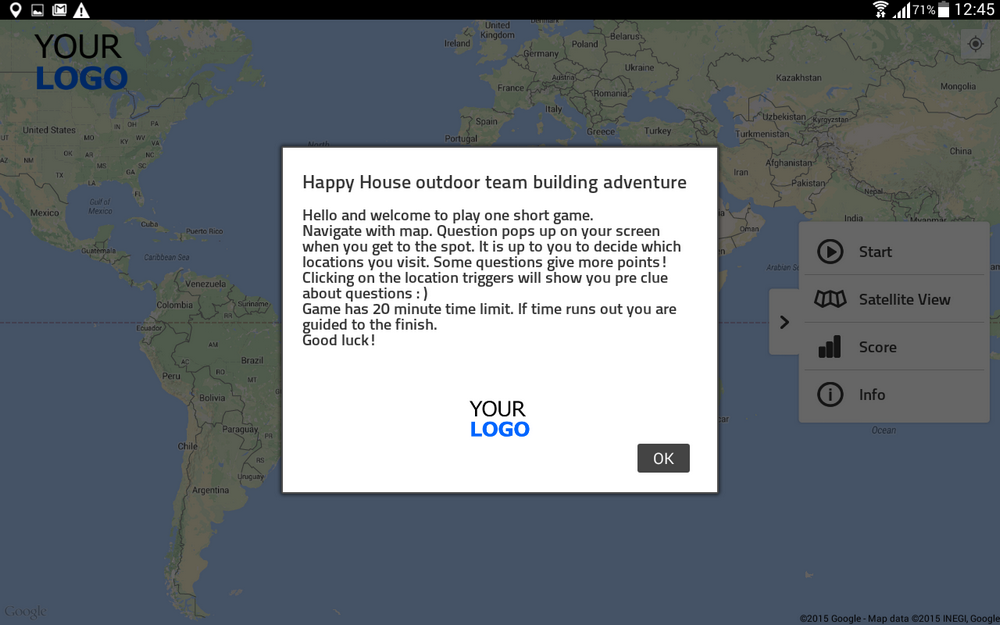
Your Logo will be displayed under the game’s intro text…
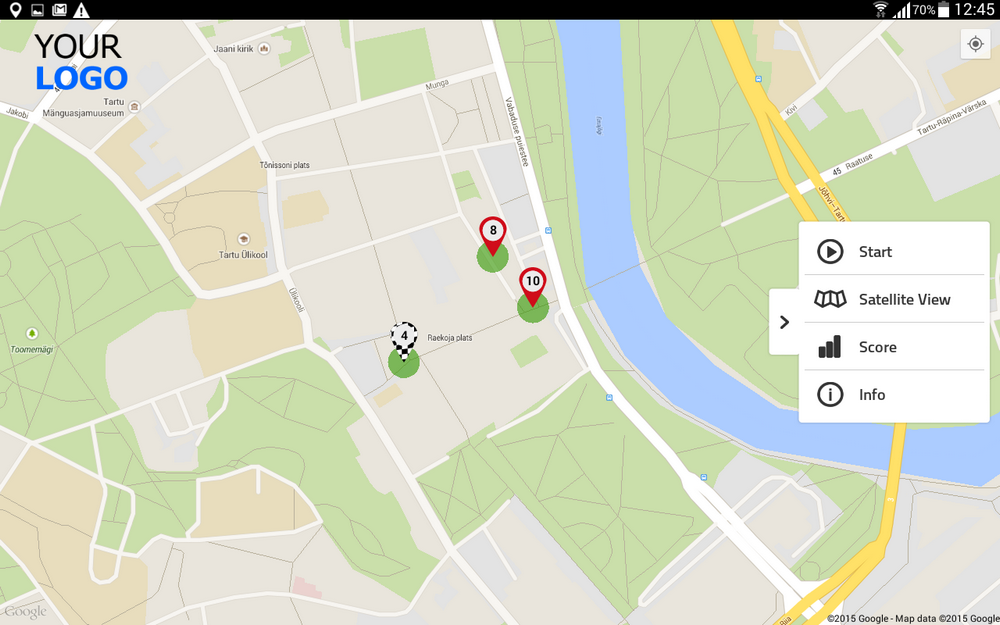
in the upper left corner of the game map on tablets…
and in the header of Results page.
Related stories

When we build an outdoor Loquiz game, we often set a series of tasks on the map. Players activate the...

Since 2020, companies have increasingly requested remote events. However, we still want a bit of human presence. Perhaps we can’t...

In a party or team-building event, quizzes are part of the fun. From my experience, I’ve noticed that players particularly...
Start free trial to bring your ideas to life
Sign up and create games, tours, team events and educational content that captures peoples' attention
Start from the scratch or use templates to kickstart!
