


When we build an outdoor Loquiz game, we often set a series of tasks on the map. Players activate the task by walking in the area zone. As the game creator, you can modify this task area radius. It’s important to take into account the factors that influence GPS accuracy.
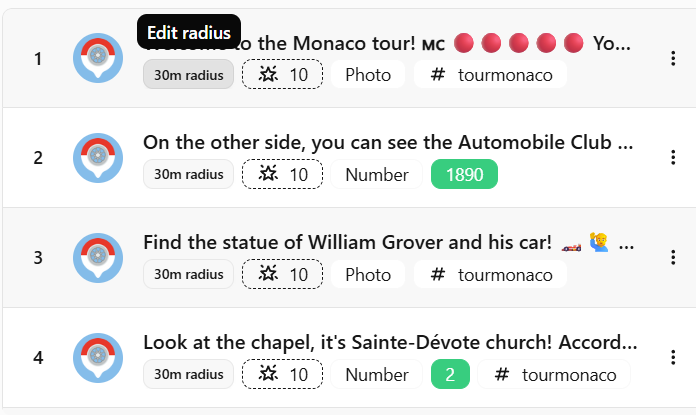
Make it small, and it might be difficult to activate. Or make it large, and your visitor might not see the actual point of interest. You need to find a good balance. But most of the time, you need a bigger area. I’ve listed a few parameters to help you decide on a larger or default activation radius.
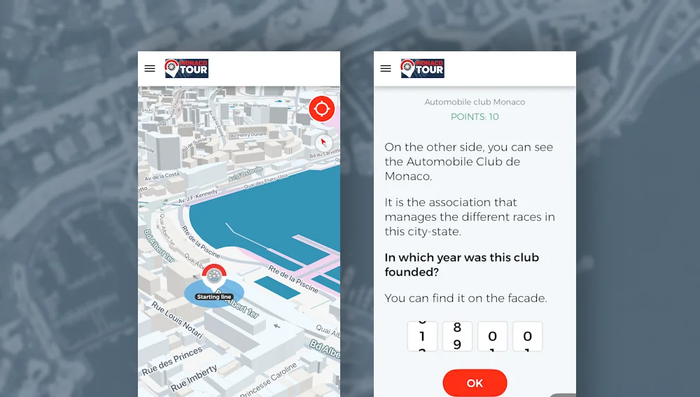
Increase your task radius
With the following factors, consider increasing the area radius of your Loquiz tasks. If they’re at the default 10-meter value, then increase them to 20 or 30 meters (or more, in some cases).
Dense city
If you’re playing in a dense city center such as Paris or Melbourne, many factors will decrease geolocation quality. A lot of buildings will weaken the GPS signal. The high density of people will reduce the network quality (thus decreasing the phone location quality).
No network
Your phone will use the network to provide a more accurate GPS location. If your area doesn’t provide any phone network, the GPS alone will take longer to locate your device. In that case, ensure that your task radius is large enough (at least 20 meters).
Providing tablets without network
For the same reason as stated previously, if you provide the players with tablets without network, make sure that your area radius is larger than the 10-meter default.
Mountains
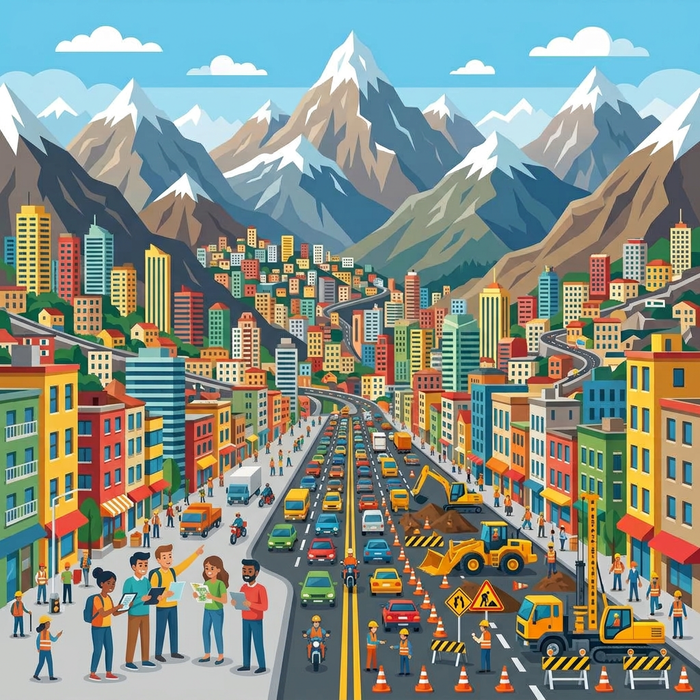
In mountains, the GPS signal tends to be weaker. But the network also becomes nonexistent. In that way, put a radius of at least 30 meters.
Risk of road work
Know the local events in your area: Are some places prone to road work? It’s very common that a whole Loquiz outdoor game can’t work because one area is inaccessible due to renovation (such as a park or a small street). There are a few ways to overcome this issue. One is a larger area: If you set it at 30 meters, then your players might still reach some part of the area to activate the task.
Game using a vehicle
Some games require the use of a bicycle or a car. If that’s the case, you’ll move naturally faster, so you’ll need a larger area for your tasks. For cyclists, consider having at least 20 meters. For games that require a car, consider at least 100 meters.
Luck
Sometimes, an unstable GPS location is due to bad luck. I already had cases where the GPS signal was weak for everyone, and it was probably because of the satellite location at that time.
Keep the default task radius
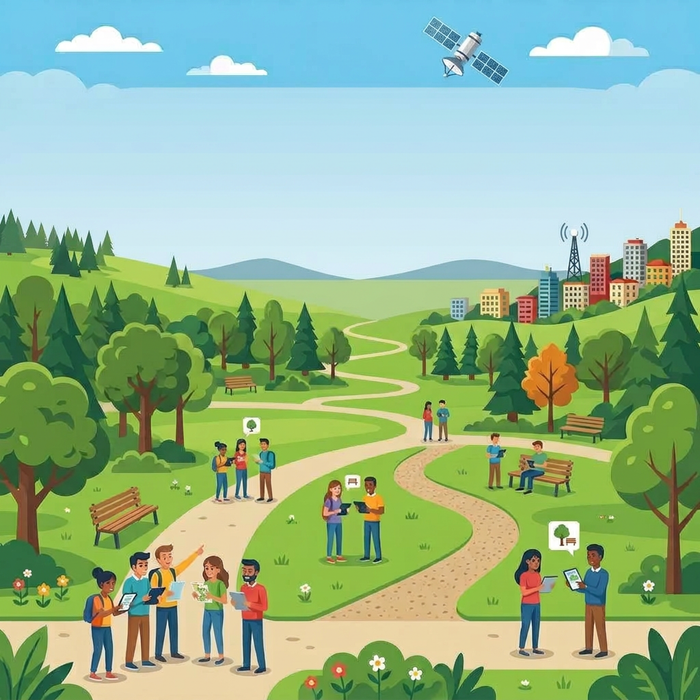
In some cases, you can use the default 10-meter area. These conditions are ideal for your device to locate your players easily.
Good network
If you’re playing in an area known for its good network (such as a residential area or office area), then this will also be ideal for the GPS feature.
Flat area
If the environment of the game location is flat, not surrounded by hills or at the bottom of a valley, then the GPS will be reliable.
By foot
As long as the players don’t require a vehicle to move around, you don’t need to increase the area radius.
One specific point of interest
Some outdoor tasks are specific to one location, building, status, etc. If that’s the case, consider keeping the radius at the default 10 meters. Then locate the task in the best spot to see the object. For instance, set it on the forecourt of a church that players have to locate.
Bonus advice: Test your game
This article does not give you a precise area to set for your game. Everything depends on the location, on the current event, on yourself. Do you know what the best way is to determine whether an area is large enough or not? Test your game. Use the test mode (which allows you to test as many times as you want), go to your game location, take note, then edit your task’s area.
If you have any questions regarding that topic, feel free to contact me!
Related stories

When you offer a quiz game for your audience, many topics are thrilling. The Animal one is nice because everyone...
When we make a Loquiz outdoor game, it’s important to consider the following: Walking distances. You’ll need to measure the...
How to set up a Halloween game now Halloween is soon! If you need a game that’s easy to set...
Start free trial to bring your ideas to life
Sign up and create games, tours, team events and educational content that captures peoples' attention
Start from the scratch or use templates to kickstart!
